Ever wondered where your day actually goes? I have too. One minute I’m deep into a task, the next I’m somehow twenty minutes into scrolling something completely unrelated. I didn’t even notice it happening that’s the annoying part.
That’s what got me to finally try RescueTime. I’d heard about it a few times but always assumed it was just another app that’d sit unused on my phone. It wasn’t. It actually changed how I see my own time, which sounds dramatic, but it’s true.
What RescueTime Actually Does
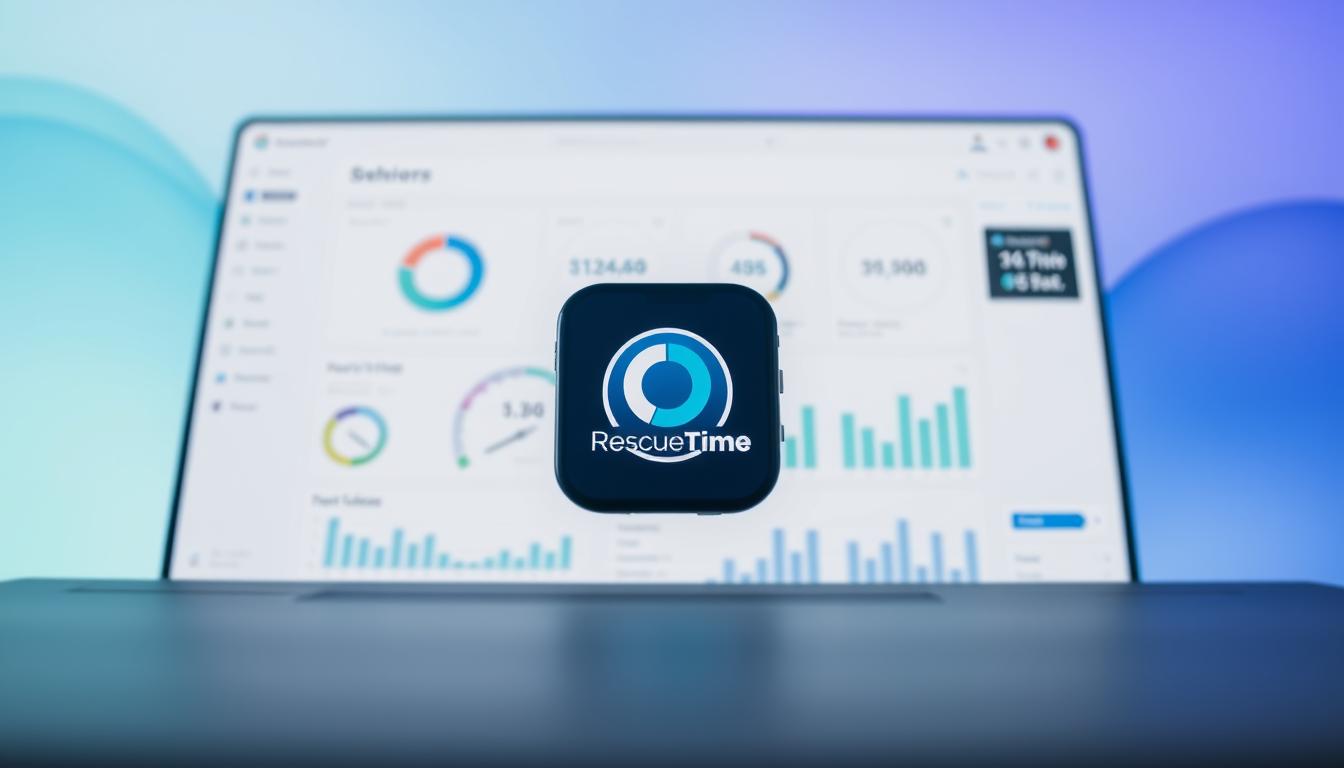
It’s a time-tracking tool that runs quietly in the background on your computer or phone. You don’t have to log anything yourself it just watches what you’re doing (which sites, which apps, for how long) and shows it back to you at the end of the day.
The first time I saw my own report, I was a little embarrassed. I thought I’d had a productive Tuesday. Turns out almost two hours had gone into things I couldn’t even remember doing. That’s the moment it clicked for me you can’t fix what you can’t see.
The Features That Actually Matter (to Me)
There’s a longer feature list on their site, but here’s what I actually use:
- Automatic tracking, no manual logging, which is the only reason I’ve stuck with it. Anything that requires me to type in my hours every day, I abandon within a week.
- Weekly reports, this is the one I actually open. It’s oddly satisfying (or humbling) to see the week laid out.
- Distraction blocking, you can set it to block certain sites during specific hours. I use this during my morning focus block.
- Goal setting, small, realistic ones. “Spend less than 30 minutes on X” type goals, not anything overly ambitious.
How It Changed My Actual Days
The biggest shift wasn’t some huge productivity hack it was just awareness. Once I could see where my time was really going, I started noticing patterns. I’m most focused in the first two hours after I sit down, and completely useless right after lunch. I didn’t know that until RescueTime showed me, and now I just plan around it instead of fighting it.
It also helped me stop feeling vaguely guilty all the time without knowing why. Turns out I was getting things done I just wasn’t seeing the proof of it anywhere. The weekly report became that proof.
Getting Started
Setting it up took maybe five minutes. Download it, create an account, let it run in the background for a few days before you even look at the data — the first week is just it learning your patterns. There’s a 14-day free trial, which is honestly enough time to decide if it’s for you.
A Few Honest Notes
It’s not magic. It won’t stop you from opening a distracting site if you really want to the blocking feature helps, but willpower still matters. And the first few days of seeing your real numbers can be a little uncomfortable if you’re anything like me and thought you were more focused than you actually were.
But that discomfort is kind of the point. You can’t change something you’re not honest with yourself about.
Should You Try It?
If you’ve ever ended a workday wondering where the hours went genuinely, that specific feeling this is worth a week of your time. It’s not a huge lifestyle overhaul, just a quiet background tool that hands you the truth about your own day.
I still use it, months later, mostly just for the weekly report. It’s become the one email I actually open on Monday mornings.