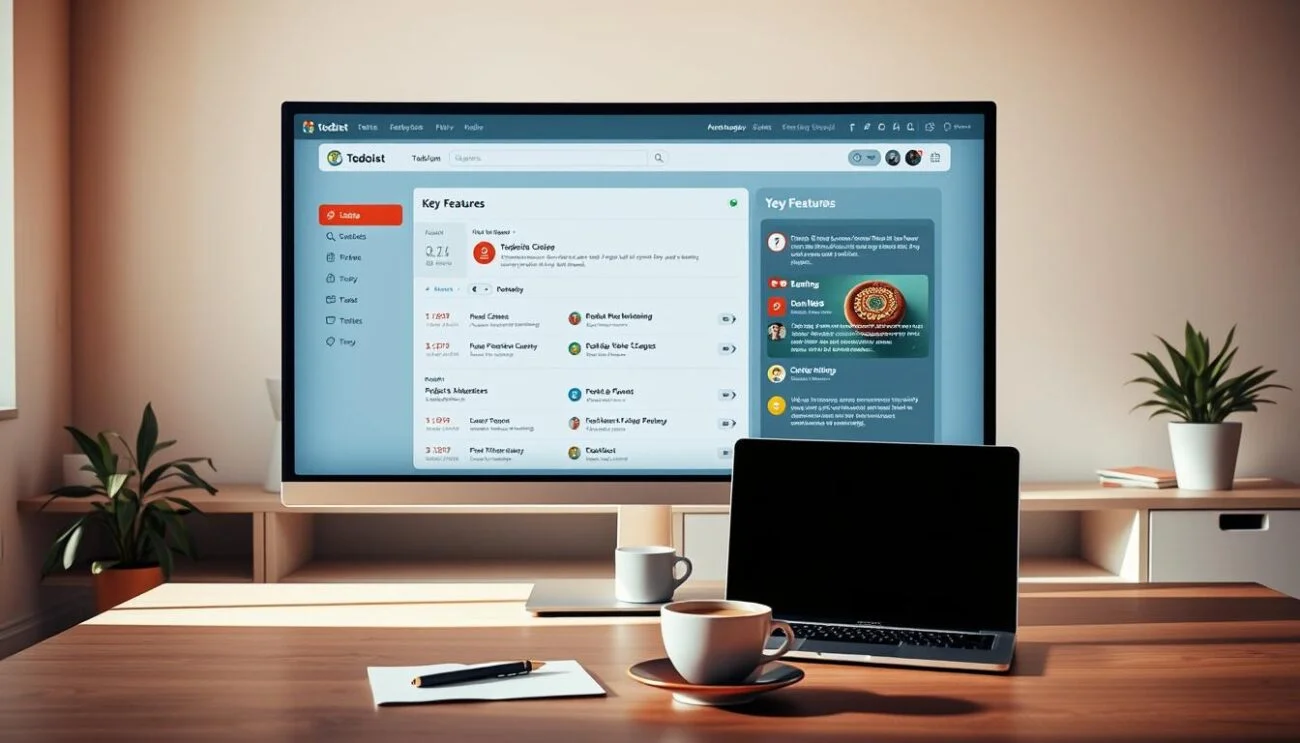
Okay so I have to admit something a little embarrassing. For years I ran my entire life work deadlines, grocery lists, “call mom back,” everything off a mix of sticky notes, my phone’s default reminders app, and pure panic. You know that feeling where you’re pretty sure you’re forgetting something but you can’t remember what? I lived there. Permanently.
A friend mentioned Todoist to me almost as an afterthought one day, like it wasn’t even a big recommendation, just “oh yeah, I use that for everything.” I remember thinking “great, another to-do list app,” because at that point I’d already downloaded like four of them and abandoned each one within a week. But I was tired enough of dropping balls at work that I figured, why not. That was a few months ago now, and it’s the first system that’s actually stuck.

The first thing that hooked me: I stopped losing thoughts
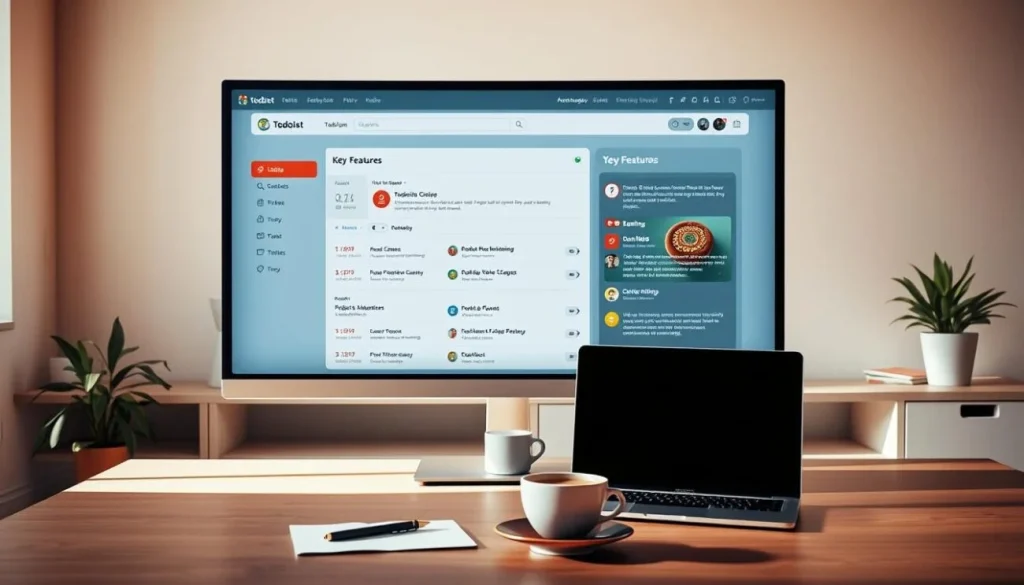
Here’s my actual problem before Todoist, it was never that I didn’t have a task list, it was that by the time I opened whatever app I was using, I’d already forgotten the thing I wanted to write down. Todoist has this quick-add button that’s just… right there, no loading, no menus. I type the thought, hit enter, done. Doesn’t matter if I’m mid-meeting or walking to get coffee.
Honestly, this alone fixed most of my problem. Half of “being organized” turned out to just be “capturing things before your brain deletes them,” which sounds obvious now, but nobody tells you that part.
The natural language thing still kind of amazes me
I’I’m not a very “systems” person, so when I first saw people talk about “natural language input,” I assumed it’d be complicated. It’s the opposite. I just type like I’m texting a person:
- “Submit report next Friday”
- “Team standup every Monday 9am”
- “Pick up dry cleaning tomorrow”
And it just gets it. Pulls the date, sets the recurrence, done. If you’ve never tried Todoist’s free plan, this feature alone is worth signing up just to play with it’s the kind of small thing that makes the whole app feel less like a chore to use.
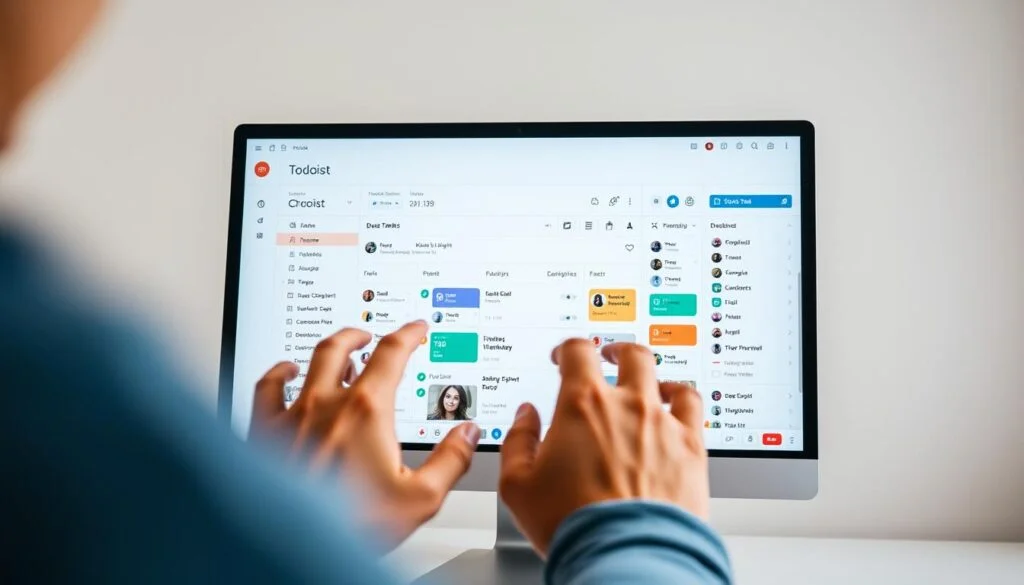
How I actually split work and life without it turning into chaos
ThThis part took me some trial and error, but here’s where I landed, and it’s stupidly simple:
- Work project — anything office-related
- Home project — bills, chores, that kind of thing
- Personal project — everything else, appointments, random errands
Then on top of that I use labels like @quick (under 5 minutes), @computer (needs my laptop), and @waiting (blocked on someone else). So when I’ve got, say, 10 minutes before a meeting starts, I just filter by @quick and knock something out instead of scrolling my whole list wondering what’s even doable right now.
I used to think keeping work and personal stuff in separate apps was somehow “healthier,” like it protected some boundary. In reality it just meant I forgot personal things constantly because I only opened that app once a week, if that. Having everything in one place, just filtered differently, made my brain feel so much less cluttered.
The two-minute morning habit that quietly runs my whole day
Every morning, before I really start anything, I open Todoist and just glance at “Today.” Not adding a ton, just checking is this realistic? If I’ve got way too much stacked up, I move a couple things to tomorrow right then, instead of pretending I’ll get to everything and feeling behind by 2pm.
Sounds so small, but it’s genuinely the habit that changed the most for me. I used to just open my task list already mid-panic. Now I actually know what my day looks like before it starts, which sounds like nothing until you’ve lived without it.
Okay but is it actually worth using?
I’ve been on the free version this whole time and honestly haven’t felt a strong need to upgrade it does what I need. That said, if you’re managing a team or want more automation and reminders, the Pro plan adds that layer without making the app feel more complicated to use day to day.
What actually sold me wasn’t any single feature, though it’s that this is the first system that just… holds everything. Reliably. Without me having to think about the system itself, which is really all I ever wanted from something like this.
If you’re in the spot I was in sticky notes everywhere, forgetting things that actually matter, four abandoned apps in your download history just try the quick-add button for a week. That’s genuinely all it takes to feel the difference.